As Apple devices become increasingly common in corporate environments, security teams are faced with a significant challenge: how do you systematically harden macOS without hindering productivity? Many organizations make the mistake of applying a Windows-centric security mindset to Macs, which often leads to critical security gaps and frustrated users who find their workflows disrupted. This approach fails to address the unique attack surfaces of macOS while over-restricting other areas.
The key to effective Mac security is implementing consistent, compliant, and user-friendly policies that work in a production environment. Fortunately, there’s a powerful, open-source framework designed for this exact purpose: the macOS Security Compliance Project (mSCP). This tool is revolutionizing how organizations secure their Apple fleets by automating the creation and validation of security baselines.
What is the macOS Security Compliance Project (mSCP)?
The macOS Security Compliance Project (mSCP) is an open-source initiative, spearheaded by NIST, that provides a collection of resources for securing macOS. It’s not just a set of recommendations; it’s a practical framework for generating, customizing, and auditing security configurations.
Here’s how mSCP transforms macOS security management:
- Custom Baseline Generation: It allows you to generate custom security baselines that are mapped to well-known security standards, including CIS Benchmarks, NIST 800-53, and more.
- Deployable Configuration Profiles: It translates complex security requirements into mobileconfig configuration profiles that can be deployed using any Mobile Device Management (MDM) solution.
- Automated Compliance Validation: The project includes scripts to audit and validate compliance across your entire Mac fleet, giving you tangible proof that your security controls are correctly implemented.
- Granular Control: mSCP offers fine-grained control over every setting, enabling you to strike the right balance between robust security and end-user productivity.
By using mSCP, security teams can move from manual, error-prone processes to an automated, consistent, and verifiable system.
A Practical Implementation Plan
Getting started with mSCP is straightforward. The framework is hosted on GitHub and can be set up in a few simple steps.
1. Install the Framework
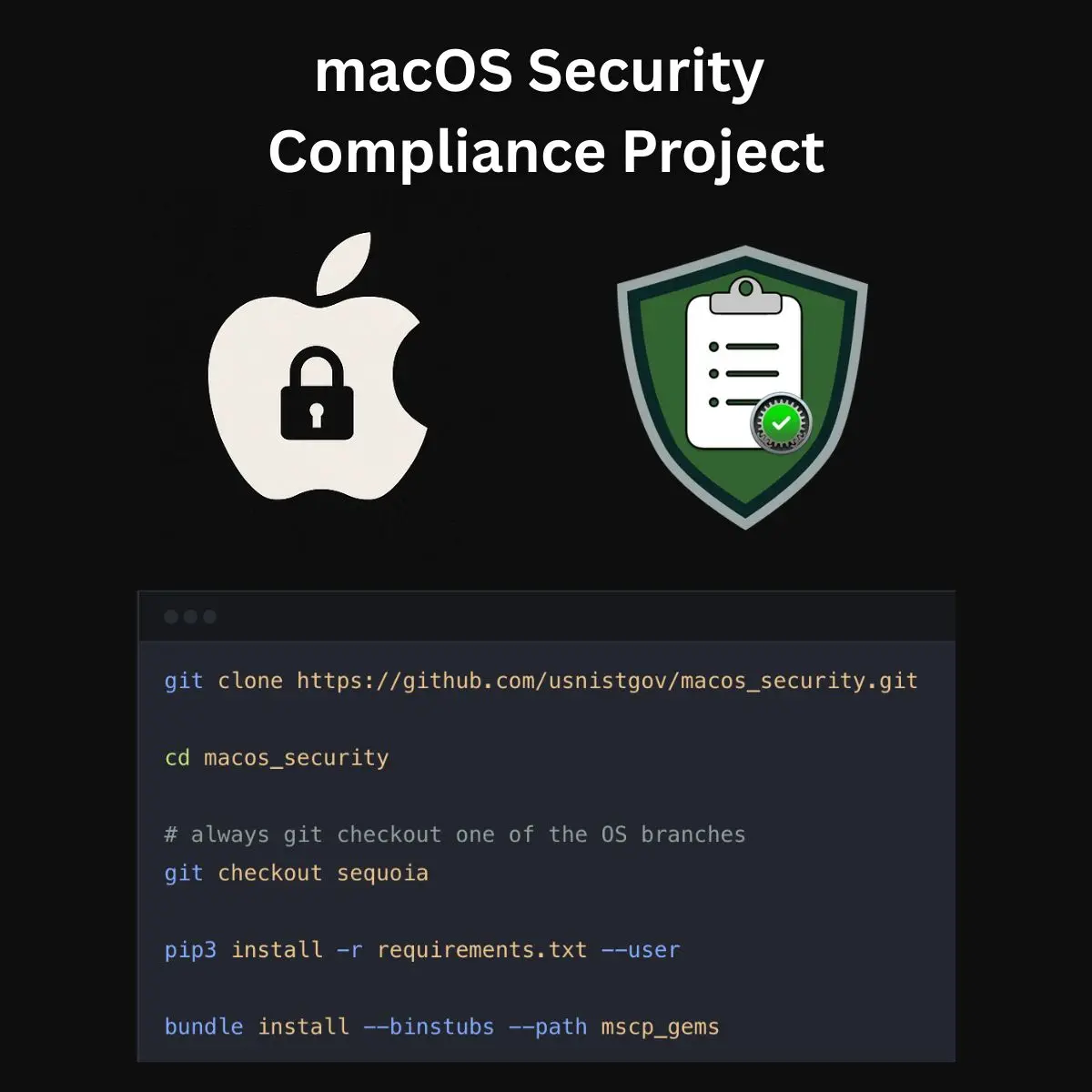
First, clone the official repository from GitHub and navigate into the project directory. It’s crucial to check out the branch corresponding to the macOS version you are targeting.
# Clone the repository
git clone https://github.com/usnistgov/macos_security.git

# Navigate into the project directory
cd macos_security

# Always check out the branch for your target OS version (e.g., Sequoia)
git checkout sequoia
2. Install Dependencies
The project relies on Python and Ruby dependencies. You can install them using pip3 and bundle.
# Install Python requirements
pip3 install -r requirements.txt --user

# Install Ruby gems using Bundler
bundle install --binstubs --path mscp_gems
3. Generate and Customize Your Baseline
Once the framework is installed, you can generate your desired security baseline. You can start with a standard benchmark like CIS Level 1 or NIST 800-53 and then create an overlay file to customize the settings for your organization’s specific needs.
For example, to generate a baseline based on the CIS Benchmark for macOS 14 Sonoma:
./scripts/generate_guidance.sh -b cis_lvl1_sonoma -o my_org_overlay.yaml
This command generates the necessary configuration profiles, audit scripts, and documentation based on the chosen baseline, applying your custom overrides from my_org_overlay.yaml.
4. Deploy and Validate
With the configuration profiles generated, the next step is to deploy them to your fleet using your MDM solution (like Jamf, Kandji, or Microsoft Intune).
After deployment, you can use mSCP’s built-in audit scripts to validate that the controls have been applied correctly. This step is critical for continuous monitoring and provides defendable evidence for security audits. Running the audit script is as simple as executing:
./scripts/audit_compliance.sh
This script checks the local machine against the defined baseline and generates a report detailing compliant and non-compliant settings.
The Overlooked Advantage: Automated Documentation
One of the most powerful yet often overlooked features of mSCP is its ability to automatically generate human-readable documentation. For every baseline you create, the project produces a comprehensive guide that explains each security control, its purpose, and how it’s implemented.
This documentation is invaluable for both internal teams and external auditors. It clearly explains why a certain control is in place, making it easier to justify security decisions and train users and administrators.
This feature alone has been shown to slash audit preparation time significantly, as the evidence and rationale for each control are already documented.
Conclusion
If you are managing a fleet of Macs in an enterprise environment, the macOS Security Compliance Project is an essential tool. It provides a systematic, automated, and auditable way to enforce security standards without overburdening your team or frustrating your users. By moving away from manual configurations and adopting a “compliance-as-code” approach with mSCP, you can build a more secure and efficient Mac ecosystem.
The views expressed in this blog are my own, based on my knowledge, experience, and research. They don’t reflect my current or previous employers’ views.
Further Reading
- macOS Security Compliance Project (mSCP) GitHub: https://github.com/usnistgov/macos_security
- NIST macOS Security Guidance: https://pages.nist.gov/macos_security/
- CIS Apple macOS Benchmarks: https://www.cisecurity.org/benchmark/apple_os
- Apple Platform Security Guide: https://support.apple.com/guide/security/welcome/web